
 Open in ChatGPT
Why GitHub Goes Down (and How to Keep Working When It Does)
The real reasons GitHub keeps failing, a running incident log, and an outage survival playbook.
Last updated: August 2026
Quick answer: GitHub goes down more often than most teams assume. Core git usually keeps working, but the web UI, API, Actions, webhooks, and Copilot fail together. To check whether GitHub is down right now, an independent monitor is faster than GitHub's own status page, which tends to lag real incidents. See GitHub's live status on statuspy →
GitHub sits under a large share of the world's software. Around 225 million developer accounts push code, run CI, merge pull requests, and ship releases through it. So when GitHub degrades, work stops for a lot of people at once, and it happens more often than most teams plan for.
The pattern is always roughly the same. Core git operations keep working. You can usually still clone, fetch, and push over SSH. But the web UI, the API, Actions, webhooks, and Copilot fall over, and those are the surfaces most teams actually depend on to get anything done. A "partial" outage on paper is a full stop in practice.
This post covers why GitHub keeps going down, a running history of recent outages, what breaks when it does, and how to keep shipping while you wait for it to come back.
Is GitHub down right now?#
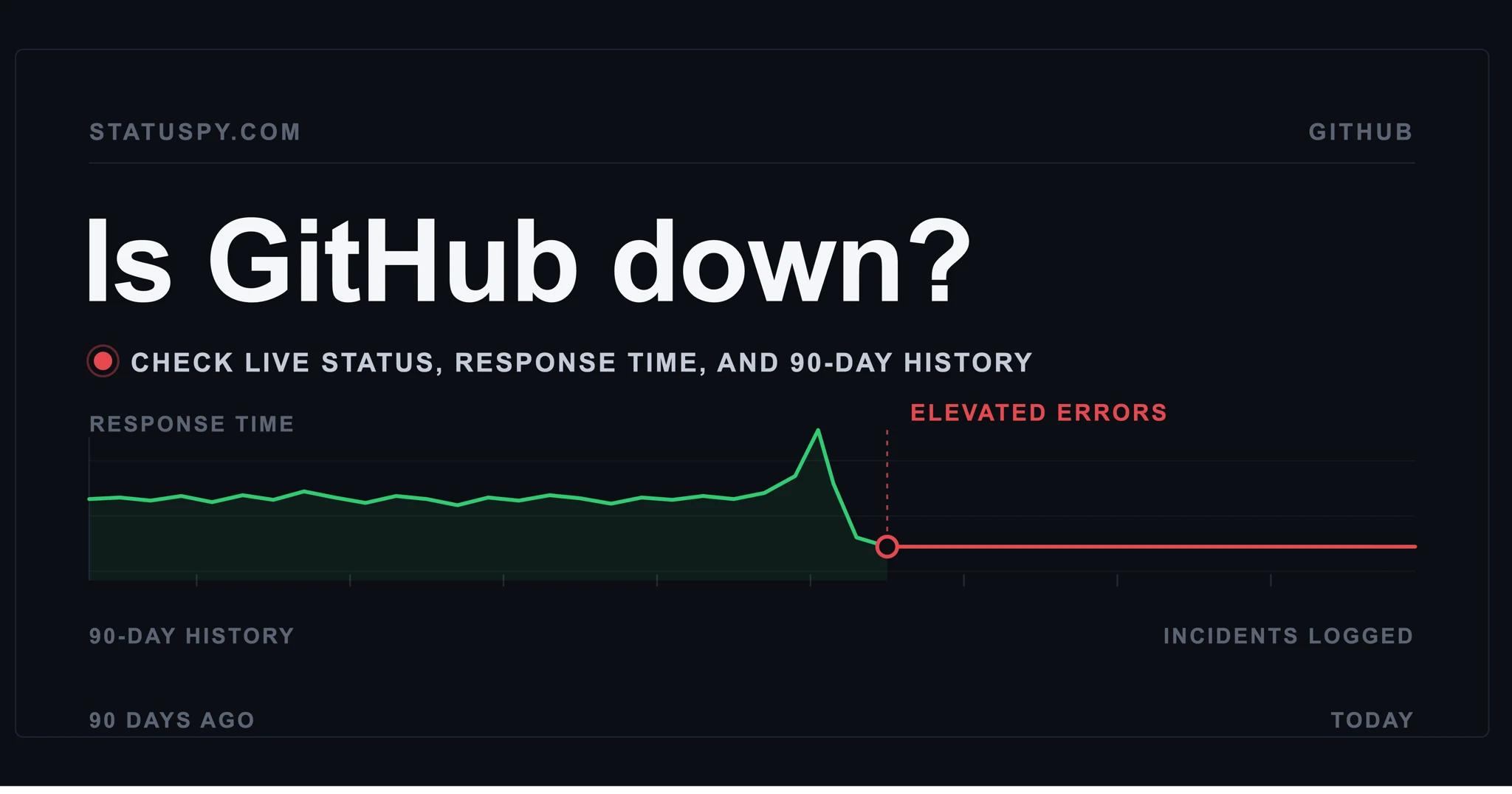
This article can't show you a live reading, but two sources can. GitHub's official status page (githubstatus.com) is the canonical source, though it has a documented habit of lagging real incidents. For a faster, independent signal, statuspy's GitHub status page runs continuous third-party checks and shows live status plus 90-day uptime history. If statuspy shows GitHub degraded while your own network is fine, it's GitHub, not you.
What actually breaks during a GitHub outage#
GitHub is not one service. It's a stack of them, and they fail unevenly. In a typical major incident:
- The website and API return errors on a chunk of requests. During GitHub's August 17, 2026 outage, about 20% of web and API traffic failed outright, and raw file and archive downloads failed roughly half the time.
- Pull requests stop opening, reviewing, or merging, or slow to a crawl.
- Issues throw errors on creation and editing.
- Actions is often the worst hit. Workflows fail to start or die mid-run, runners retry jobs, and queues back up. Even after recovery you're re-running pipelines for an hour.
- Webhooks get delayed or dropped, which quietly breaks every third-party integration and dashboard wired to them.
- Copilot goes down and tends to stay down longest, because the failure is usually in the auth and routing path, not the model.
- Authentication (SAML, OIDC, SCIM, Team Sync) degrades, which locks people out and breaks integrations that depend on login.
What usually survives: git over HTTPS and SSH, Packages, and Codespaces. Your local repo is a full copy of the history, so day-to-day coding doesn't have to stop even when github.com won't load. More on that below.
Why GitHub goes down: the structural reasons#
Individual outages have individual triggers, but they cluster around a few recurring causes. Understanding these tells you why the next one will look a lot like the last one.
Traffic spikes outrun capacity#
The August 17 outage started when a jump in traffic overwhelmed networking gear at a US data center, and the automatic capacity-addition setting that should have absorbed it failed to kick in. From there it cascaded. This is the classic shape: one component saturates, and the failure spreads to everything downstream.
Auth is a single point of failure#
When the login system goes, it doesn't just block sign-ins. It takes down anything that authenticates, which is nearly everything. In August, the failure propagated into authentication and dragged the whole platform with it.
AI agents generate far more load than the platform was built for#
This is the big structural shift. Coding agents, Copilot, and automated tooling hammer GitHub at machine speed. Some estimates put agent-driven traffic at 30x earlier levels. GitHub's infrastructure was designed for humans clicking buttons, not agents committing and running CI in a loop. In the August outage, a bug in VS Code drove 10x normal traffic to the Copilot login service, which is exactly why Copilot took longest to recover. Human-scale infrastructure is being stress-tested by agent-scale demand, and that gap isn't closing on its own.
Migrations and config changes#
GitHub has been moving onto Azure, and as of early 2026 only a small fraction of traffic had migrated. Half-finished migrations and routine config changes are a recurring source of incidents. A DNS reconfiguration in July 2026 degraded github.com, Actions, webhooks, and Copilot on its own.
The through-line: as more automated tooling piles onto a centralized host, the blast radius of any single failure grows. GitHub uptime has quietly become systemic risk for the whole AI-assisted dev stack.
Why hosting Git at scale is genuinely hard#
It's tempting to ask why a company GitHub's size can't just make this go away. The honest answer is that hosting Git at scale is one of the harder problems in infrastructure, for reasons baked into Git's design.
Git is distributed by design. Every clone is a complete copy, and there's nothing special about the server's copy versus your laptop's. That sounds like it should make hosting easy. It does the opposite. To do anything useful on the server, you have to walk the repository's commit graph step by step, and at each step you don't know the next pointer until you've fetched the current one. Spread that graph across many machines and every operation turns into a storm of round trips. Attempts to store Git objects in a distributed key-value store have been tried repeatedly, including by Google, and clone performance killed them every time.
GitHub's answer, built around 2013, is a system called Spokes, and most Git hosts now use some variant of it. Spokes keeps full Git repositories on fast local disks and replicates them across three servers, using a consensus protocol (three-phase commit) so every copy stays exactly in sync. That consistency matters, because Git behaves badly if you push a commit and then can't read it back a moment later.
The trouble is that this design has a low ceiling and a high floor. Consensus across replicas is bound by the slowest machine, so you can't just add replicas to serve a huge monorepo's CI load. And every repository needs three replicas even if it's idle, which is brutal when agents spin up millions of tiny throwaway repos. Repositories become pets you have to individually track, checksum, and repair, not cattle you can treat interchangeably. When copies corrupt, and Git corrupts more than you'd think, you can lose the quorum needed to accept pushes at all.
Newer approaches try to fix this. Cursor's Continuity, the storage layer under its Origin platform, stores a write-ahead log in S3-compatible object storage as the source of truth, keeps local Git copies as a warm cache, and claims it can scale replicas in both directions without a routing database. Cursor reports sustaining 120 pushes per second on standard S3 and 300+ on lower-latency storage, with reads scaling linearly to 100 replicas.
Worth being clear-eyed here: those are Cursor's own numbers, from Cursor's own engineers, with no independent production track record behind them yet. GitHub's flaws are demonstrated by years of real outages you can measure. A new system's reliability claims are a hypothesis until traffic proves them. The useful takeaway isn't "this new thing is better," it's that the reliability problems are architectural, not the result of one careless mistake, so they won't be fully solved by a single fix or a single vendor.
GitHub outage history: how often does it really go down?#
More than the marketing suggests, and the incidents cluster. GitHub Actions alone recorded 48 outages between January 1 and August 7, 2026, and 26 of those were major. A single month, August 2026, shows how noisy it gets.
| Date (2026) | Duration | What broke |
|---|---|---|
| Aug 5 | ~20 min | Warning-level incident |
| Aug 6 | ~8h18m | Major Actions and Pages outage |
| Aug 7 | ~6 min | Brief downtime |
| Aug 10–13 | Minutes to hours | Multiple warnings and outages |
| Aug 17 | ~7h35m | Major outage: web, API, Actions, webhooks, auth, Copilot |
| Aug 18 | ~45 min + ~4h | Downtime plus runner-permissions issues |
This table is a running log of notable GitHub outages, updated as new major incidents occur. The dates inside it are current data, not the age of this article. For the full live history, see the 90-day GitHub uptime record on statuspy.
The August 6 Actions outage is a good example of how these unfold. A routine deployment to an internal Actions service exposed a capacity weakness. As pods cycled, capacity saturated, clusters crashed, and a latent bug caused runners to retry invalid jobs. Start to finish, about ten and a half hours. No villain, just a system operating close enough to its limits that an ordinary change tipped it over.
The catch with GitHub's own status page#
Here's the practical problem for any team relying on GitHub: its status page has a history of lagging real incidents. During major outages, developers are hitting errors well before the official page reflects the full scope, and it tends to show green while things are already broken for a meaningful slice of users.
That's not unique to GitHub. Self-reported status pages are a trailing indicator almost everywhere, because the same infrastructure failure that takes down the service can delay the monitoring and the status updates. Webhooks dropping during an outage is a direct example: the very signals a status system depends on are among the first things to fail.
So the moment you actually need to know "is GitHub down, or is it just me," the official page is often the last place to tell you. That gap is the entire reason independent, third-party monitoring exists. A monitor that checks GitHub from the outside, continuously, reflects what's really happening rather than what GitHub has gotten around to posting. That's what statuspy's GitHub status page does.
How to keep working when GitHub is down#
Most GitHub outages leave core git intact, which means you have more options than "wait." A rough playbook:
Keep coding locally. Your clone is the full repository with all history. Commit, branch, diff, and rebase locally with no connection to github.com at all. You lose nothing by working offline through an outage and pushing when it recovers.
Push and pull over SSH. Web and API failures often don't touch git transport. If git push over HTTPS is failing, an SSH remote frequently still works. Worth having configured before you need it.
Mirror to a second remote. If you keep a mirror on another host, or on a parallel platform, you can push there during an outage and reconcile later. Teams increasingly multi-home their repos precisely so a single host going down doesn't stop releases. This is also the realistic near-term role of newer platforms like Cursor's Origin: a parallel surface for redundancy, not a full replacement, especially since it still treats GitHub as the source of truth for anything mirrored.
Expect to re-run CI. Actions is usually the slowest to fully recover, and jobs that failed mid-run during the incident will need re-running once it's marked resolved. Don't trust a green checkmark from during the outage window.
Retry downloads later. Raw file and archive downloads fail at high rates during outages. Scripts and CI steps that pull tarballs or raw files will need a retry after recovery, not during.
Know when it's actually over. "Resolved" on the status page and "working again for you" aren't always the same moment. Watch your own pushes and CI runs, or an independent monitor, before you declare the coast clear.
Frequently asked questions about GitHub Down#
The bottom line#
GitHub is reliable most of the time, and for most teams that's fine. But "most of the time" isn't the number that matters when your release is blocked and you can't tell whether it's GitHub or your own network. Outages are frequent enough, and the official status page lags reliably enough, that any team depending on GitHub benefits from two things: a local-and-mirror workflow that survives an outage, and an independent way to see GitHub's real status the moment something breaks.
statuspy.com/status/github tracks GitHub with continuous third-party checks, independent of GitHub's own reporting, alongside live status and 90-day uptime history for the other services your stack depends on. When you need to know whether it's GitHub or you, that's the faster answer.
Related status pages: GitHub · Cloudflare · npm · Vercel

 X
X LinkedIn
 Reddit